


In today’s digital world, people buy with their eyes before they buy with their money. Whether you sell on Instagram, WhatsApp, Jumia, Shopify, Amazon, or your own website, product images play a powerful role in your success. Many good products fail simply because the images do not attract attention or build trust.
The good news is that you do not need expensive cameras or a professional studio to create engaging product images. With the right knowledge, simple tools, and clear steps, anyone can create images that sell. This guide will teach you how to create engaging product images that attract clicks, build confidence, and increase sales.
This content is written for Nigerians, Africans, students, online sellers, and small business owners who want to grow in the digital and AI era.
1. Why Product Images Matter More Than You Think
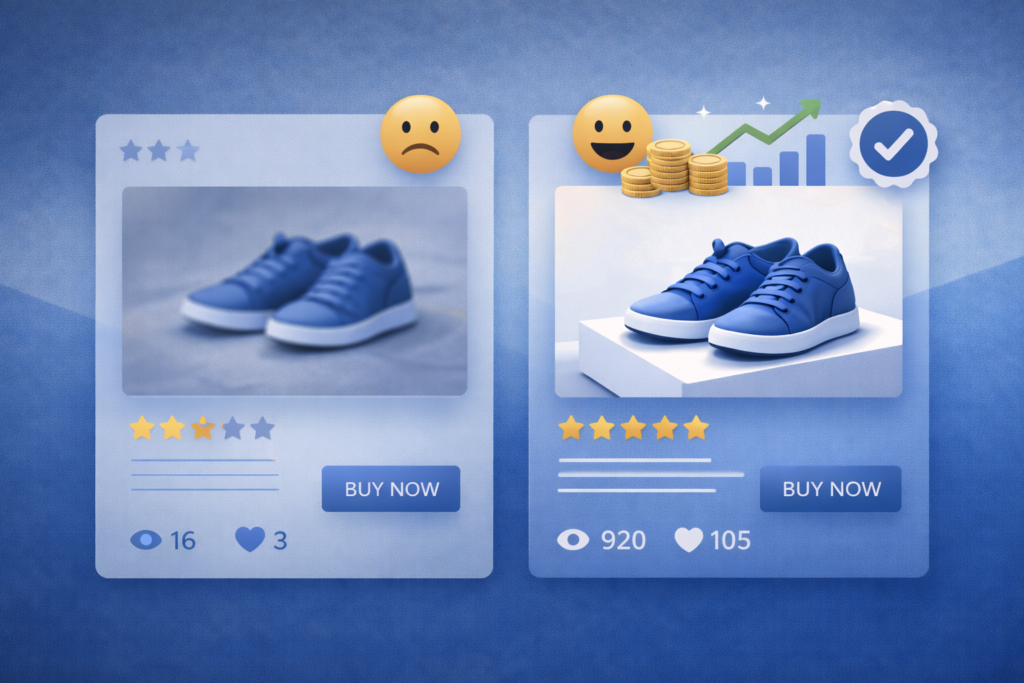
Many people believe price is the main reason customers buy. In reality, images often come first. Before anyone reads your description, they look at your images. If the image looks poor, unclear, or unprofessional, they leave.
Engaging product images help in many ways:
• They grab attention
• They explain the product visually
• They build trust
• They reduce customer doubts
• They increase conversion rates
• They reduce returns and complaints
For online buyers, images replace physical inspection. Your images must clearly answer these questions:
• What is this product
• How big is it
• How does it work
• Who is it for
• Is it worth the price
When your images answer these questions clearly, selling becomes easier.
2. What Makes a Product Image Engaging
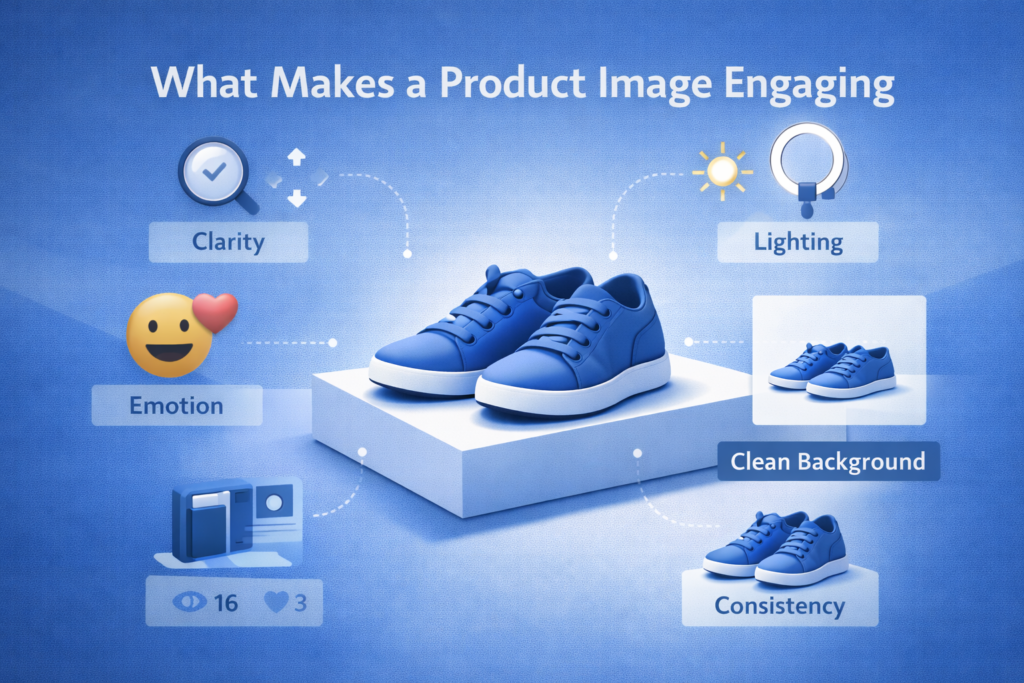
Not every clear image is engaging. An engaging product image does more than show the product. It tells a story and creates desire.
Key elements of engaging product images include:
• Clarity so the product is easy to see
• Good lighting to reveal quality
• Clean background to avoid distraction
• Real life use to create connection
• Emotion to trigger desire
• Consistency to build brand identity
An engaging image helps the customer imagine owning the product.
3. Understanding Your Target Audience Before Creating Images

Before taking any product photo, you must understand who you are selling to. Different audiences respond to different image styles.
Audience preferences include:
• Students and young people prefer bright colors and trendy lifestyle shots
• Professionals prefer clean, minimal, and premium looking images
• Parents prefer safety focused images and real use demonstrations
• Budget buyers prefer honest images that show value
• Luxury buyers prefer elegant and spacious presentation
Understanding your audience helps you choose the right background, lighting, color, and mood.
4. Tools You Need to Create Engaging Product Images
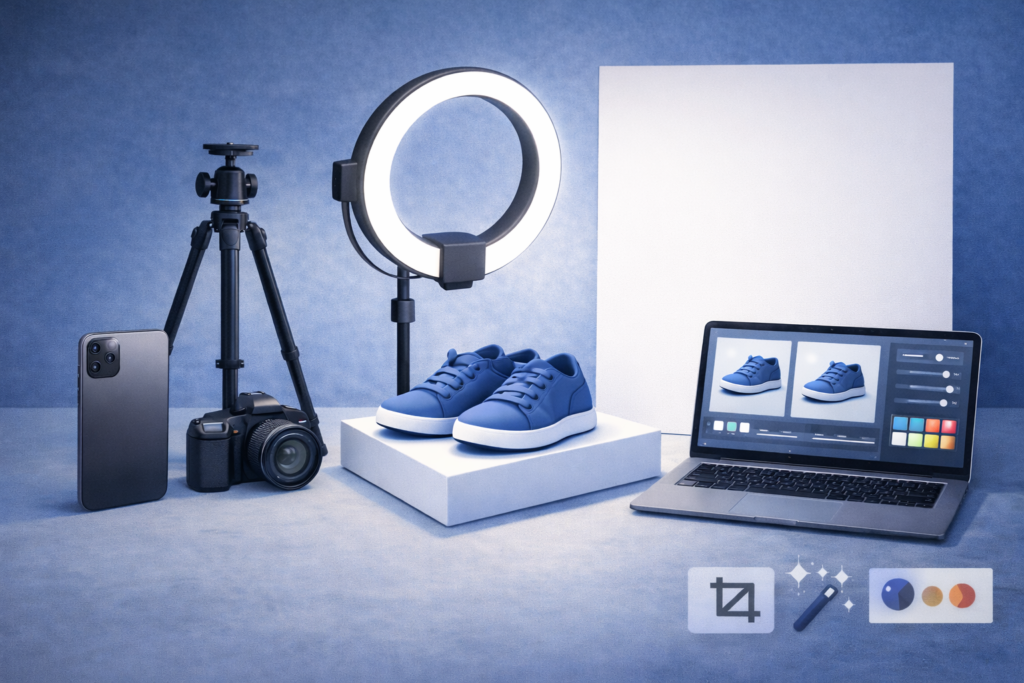
You do not need expensive equipment to start. Many successful sellers started with basic tools.
Basic tools include:
• A smartphone with a good camera
• Natural light or a ring light
• Plain background such as white cloth or cardboard
• A flat surface or table
Helpful tools include:
• A tripod to keep images steady
• A ring light for indoor shooting
• White paper or reflector to soften shadows
Editing tools include:
• Canva
• Lightroom Mobile
• Snapseed
• Photoshop
• Background removal tools
These tools help improve brightness, sharpness, and overall presentation.
5. How Lighting Affects Product Images
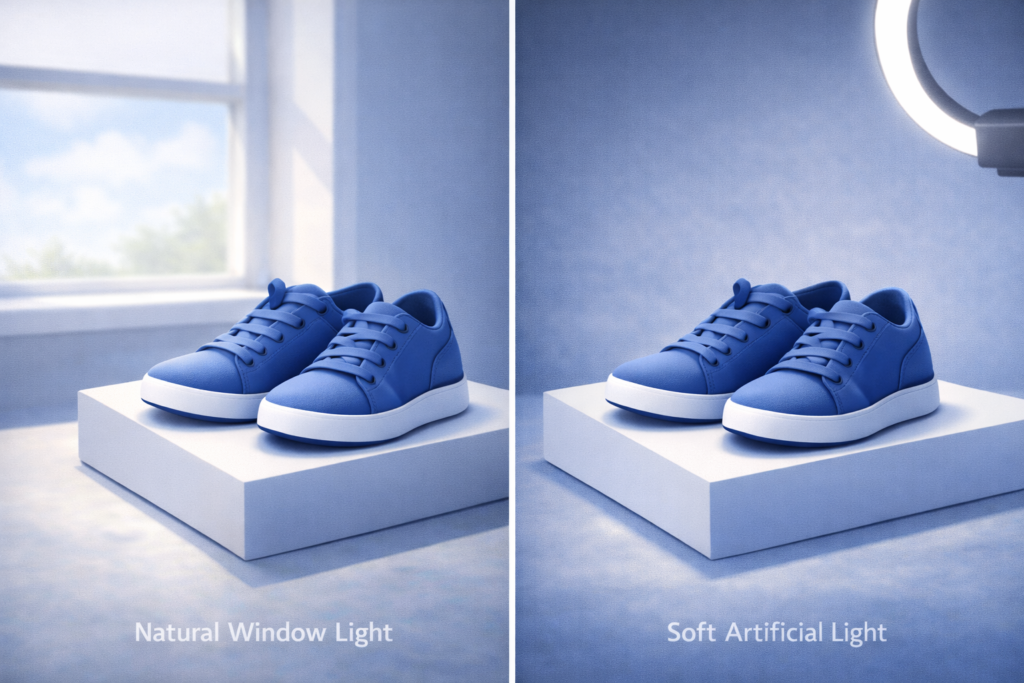
Lighting is one of the most important parts of product photography.
Natural lighting tips:
• Shoot near a window
• Use morning or late afternoon light
• Avoid harsh direct sunlight
Artificial lighting tips:
• Use ring lights or soft lights
• Avoid strong shadows
• Keep lighting consistent
General lighting rules:
• Light the product from the front or side
• Avoid lighting from behind
• Avoid mixing light colors
Good lighting can make simple products look premium.
6. Choosing the Right Background for Product Images
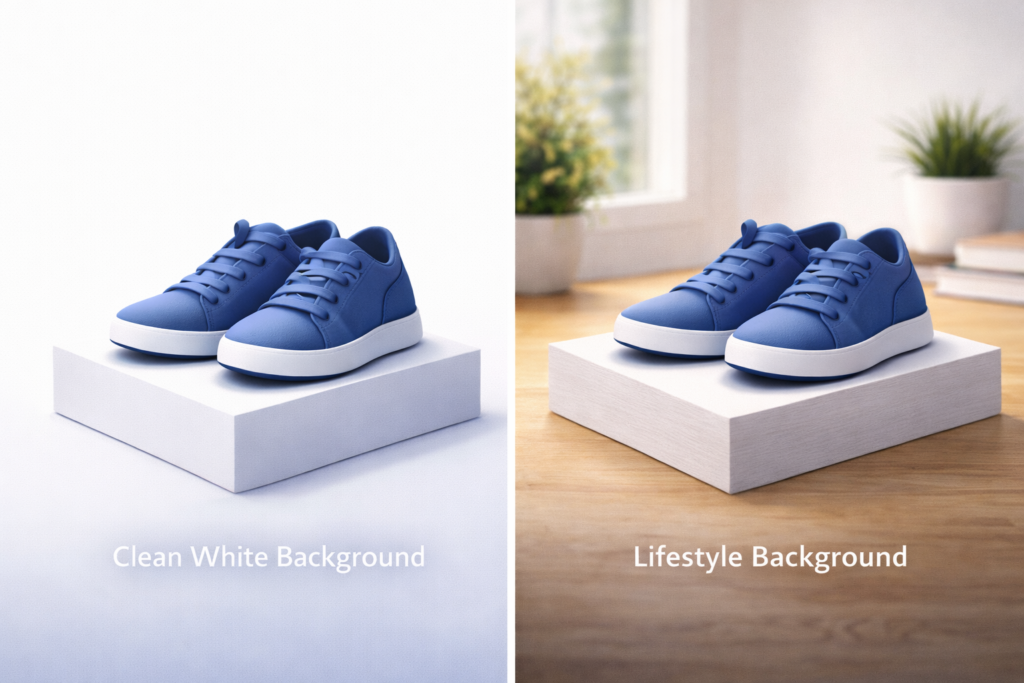
The background should support the product, not compete with it.
Background options include:
• Plain backgrounds such as white, grey, or cream
• Lifestyle backgrounds such as kitchens, desks, or bedrooms
Avoid:
• Messy rooms
• Busy patterns
• Distracting colors
Consistency in background choice helps build a professional brand image.
7. Best Camera Angles for Product Photography
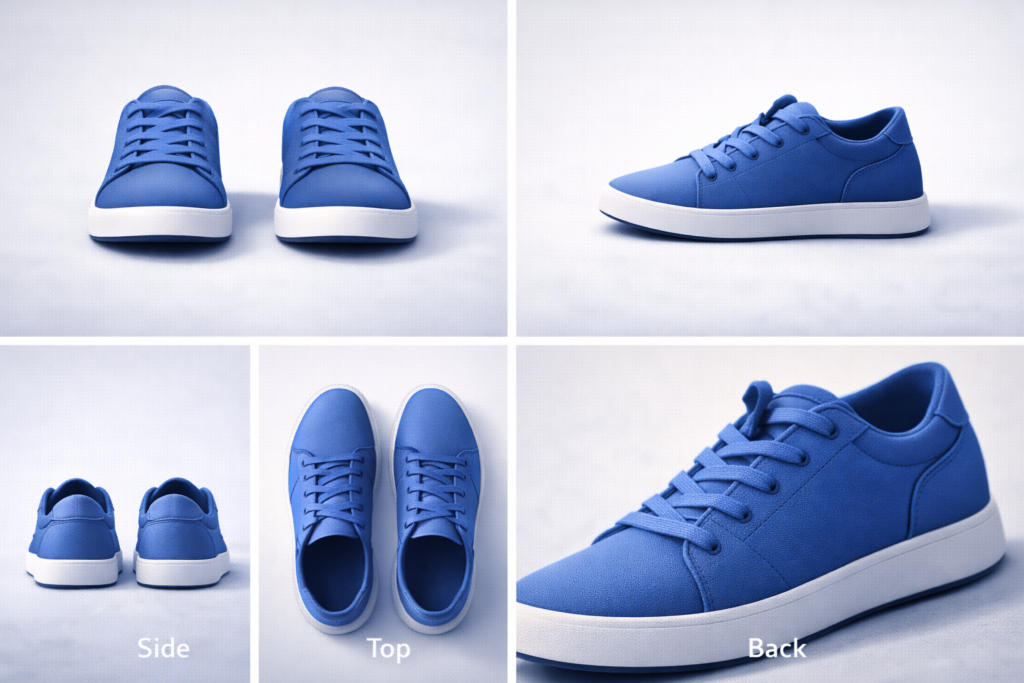
Different angles help customers understand the product better.
Important angles include:
• Front view to show appearance
• Side view to show thickness
• Back view to show details
• Top view for flat products
• Close up shots to show texture
• In use shots to show functionality
Using multiple angles reduces confusion and increases trust.
8. Showing Product Size and Scale Clearly
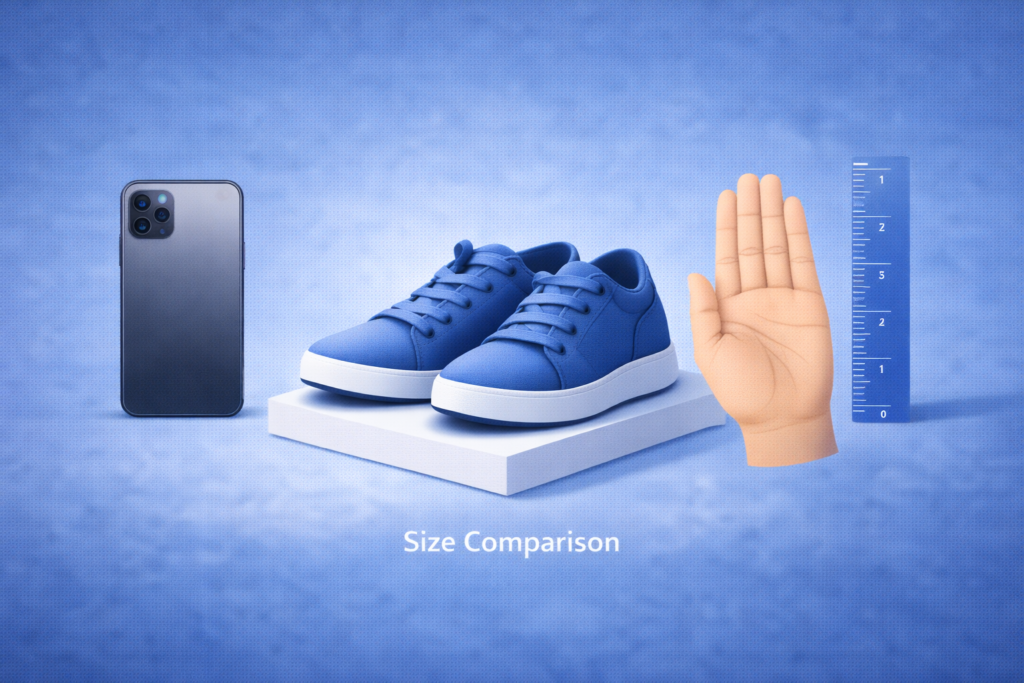
One common mistake sellers make is not showing product size clearly. This often leads to customer disappointment.
Ways to show size include:
• Placing the product beside a phone
• Holding the product in a hand
• Placing it beside common household items
• Adding simple size labels
Clear size presentation reduces complaints and returns.
9. Lifestyle Images That Sell Without Talking
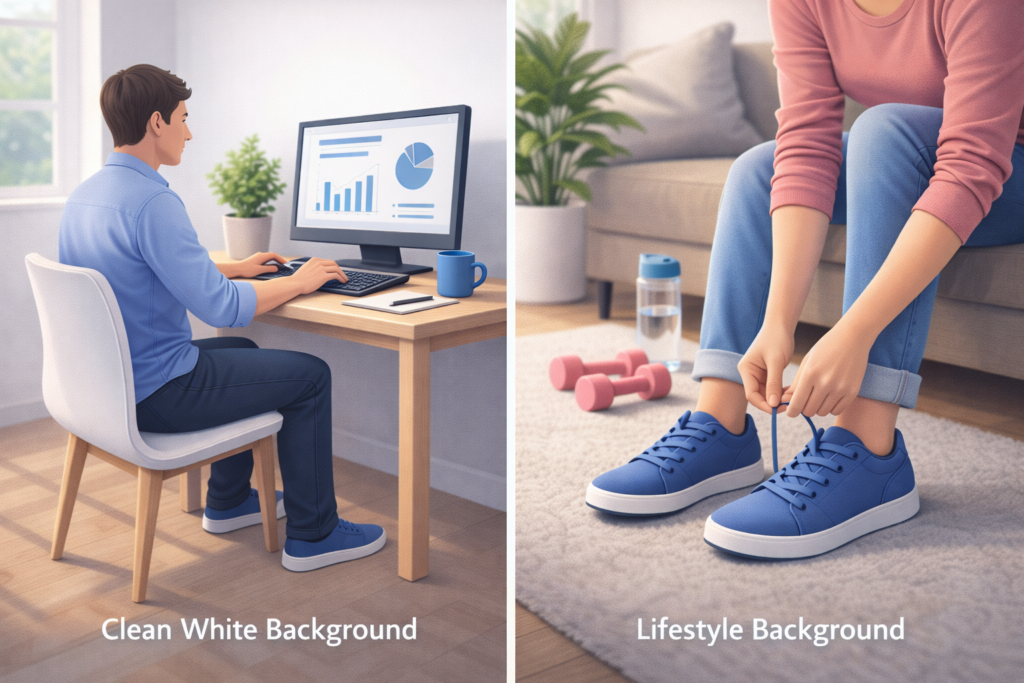
Lifestyle images show how the product fits into real life. These images are powerful because they create emotional connection.
Examples include:
• A blender in a kitchen with fruits
• A power bank charging a phone
• A chair in a living room
• A backpack worn by a student
Lifestyle images help customers imagine using the product.
10. Using AI Tools to Create Product Images
AI tools make product image creation faster and more affordable.

Popular AI tools include:
• Canva AI
• Photoshop AI
• Midjourney
• DALL E
• AI background removal tools
AI tools help with:
• Creating mockups
• Improving image quality
• Removing backgrounds
• Generating lifestyle scenes
• Creating multiple variations
AI saves time and reduces cost.
11. Editing Product Images the Right Way
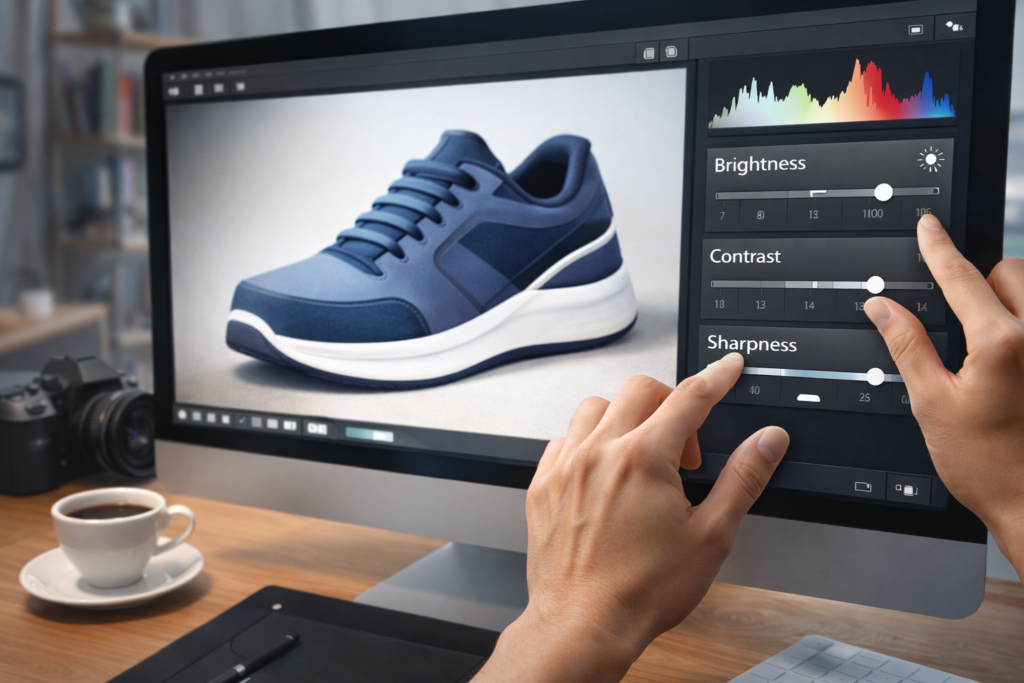
Editing improves quality but must remain honest.
Safe editing includes:
• Adjusting brightness
• Improving contrast
• Enhancing sharpness
• Cleaning backgrounds
Avoid:
• Changing product color
• Altering size
• Adding fake features
Honest editing builds trust and reduces returns.
12. Image Dimensions and Platform Requirements
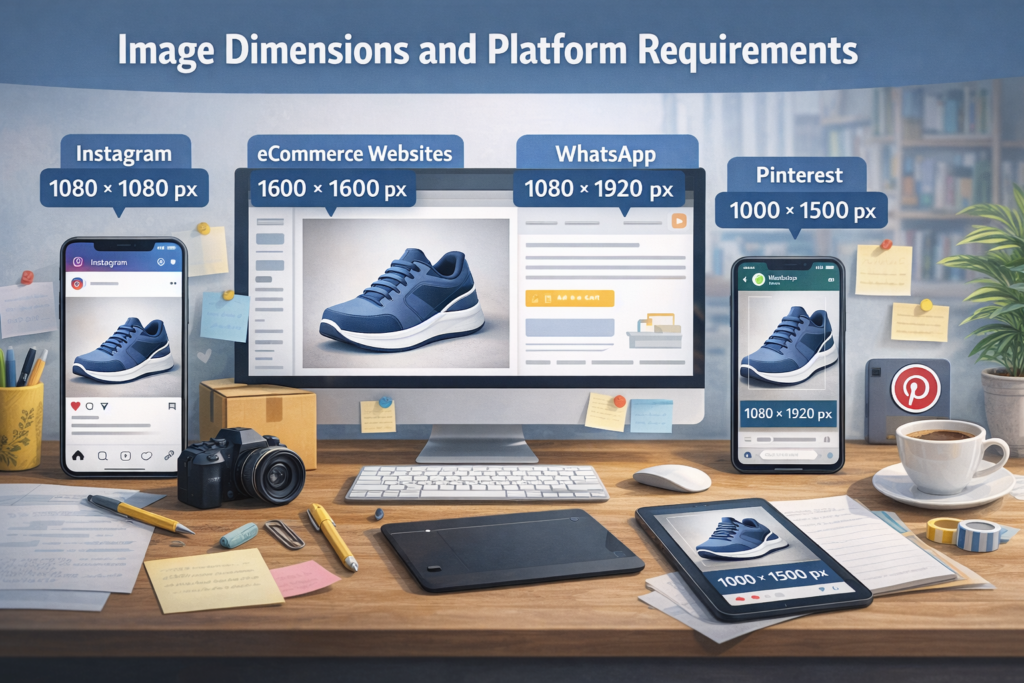
Different platforms require different image sizes.
Platform considerations:
• Instagram prefers square or vertical images
• WhatsApp works well with clear horizontal images
• Ecommerce websites prefer white background images
• Pinterest prefers vertical images with text overlay
Always follow platform image guidelines.
13. Creating Image Sets Instead of Single Images
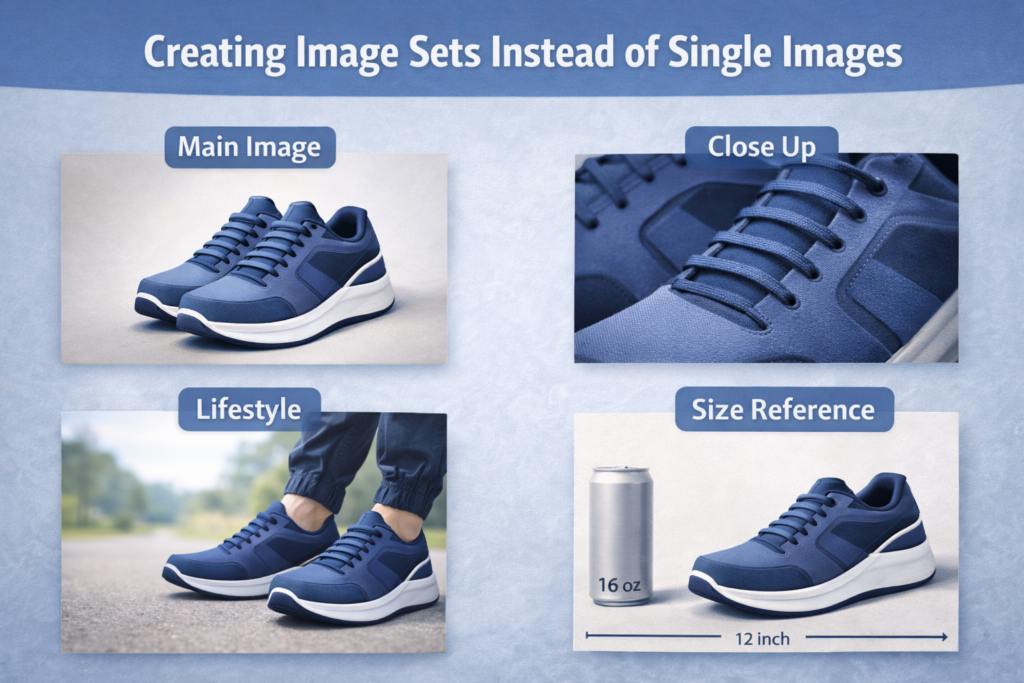
One image is not enough to convince buyers. Image sets perform better.
A strong image set includes:
• Main product image
• Side angle
• Close up detail
• In use image
• Size reference image
• Benefit focused image
Image sets increase confidence and conversion rates.
14. Using Text Overlays on Product Images

Text overlays help explain benefits quickly.
Good text overlay examples:
• Easy to use
• Rechargeable
• Portable
• Waterproof
• Fast results
Text overlay rules:
• Keep text short
• Use readable fonts
• Do not cover the product
• Use brand colors
Text should support the image, not dominate it.
15. Common Mistakes to Avoid in Product Images
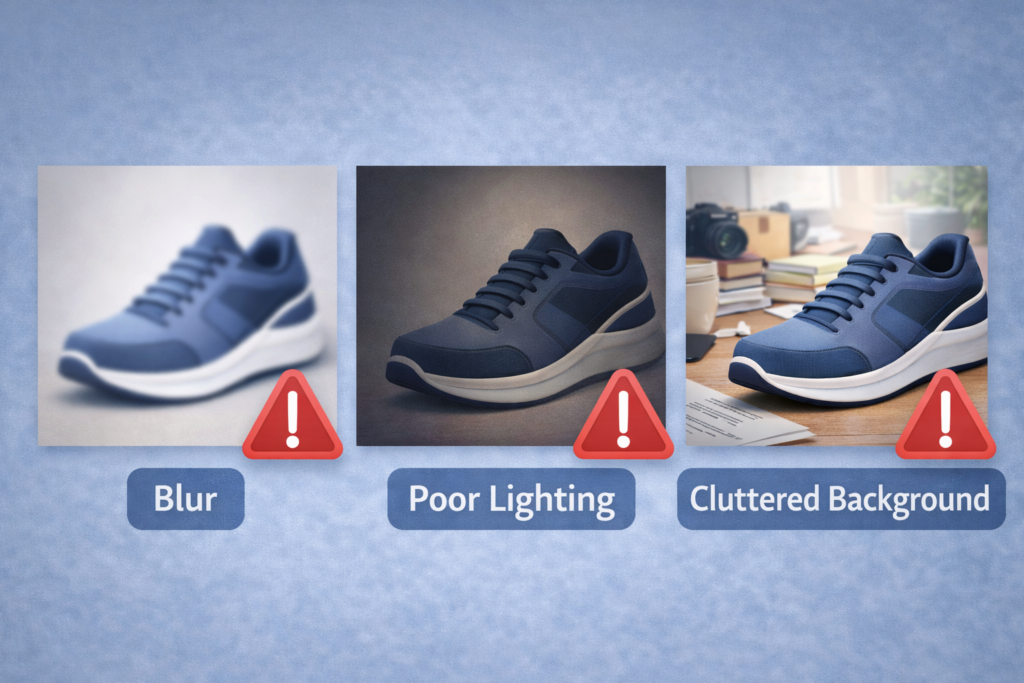
Many sellers lose sales due to avoidable mistakes.
Common mistakes include:
• Blurry images
• Poor lighting
• Messy background
• Over editing
• Low resolution
• No lifestyle shots
• No size reference
Avoiding these mistakes improves results immediately.
16. Product Images for Social Media Marketing
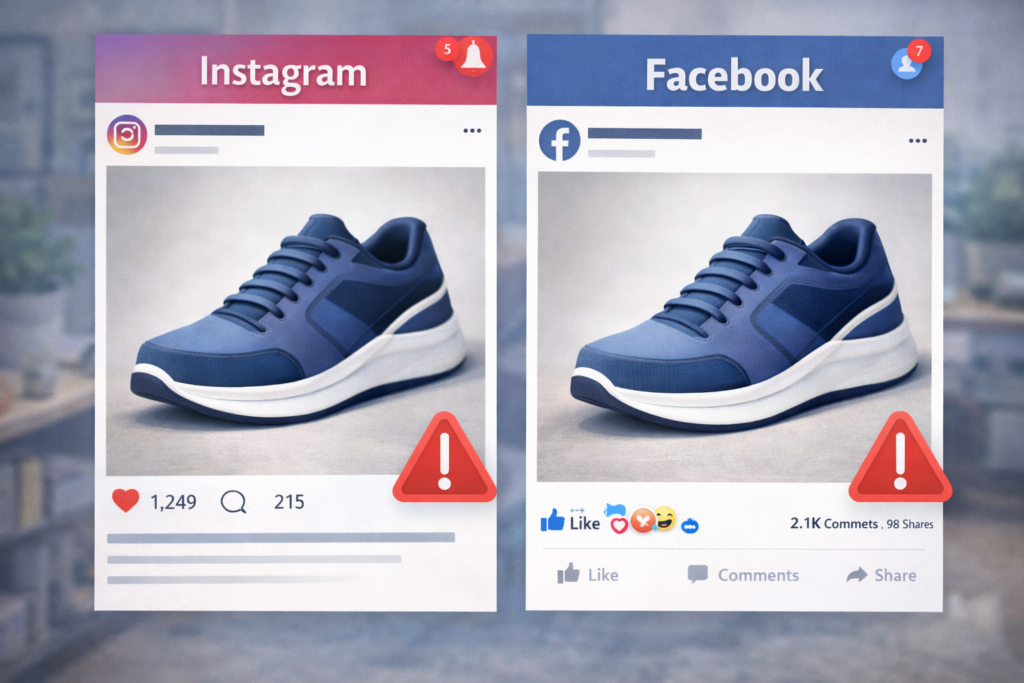
Social media images must stop scrolling.
Effective social media image tips:
• Use bright but clean colors
• Show emotion
• Use faces when possible
• Show transformation
• Keep messaging simple
Your image should communicate instantly.
17. Product Images for Ecommerce Websites
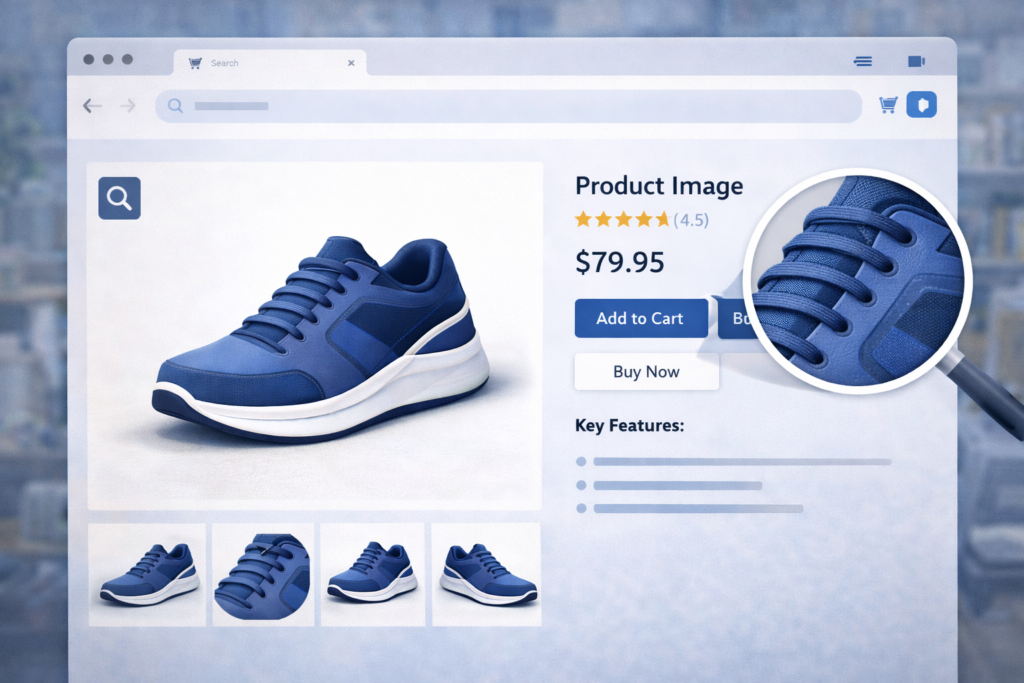
Ecommerce images must focus on clarity and trust.
Best practices include:
• White backgrounds
• Multiple angles
• Zoom friendly images
• Consistent sizing
• High resolution
These help customers make decisions faster.
18. Product Images That Build Brand Identity
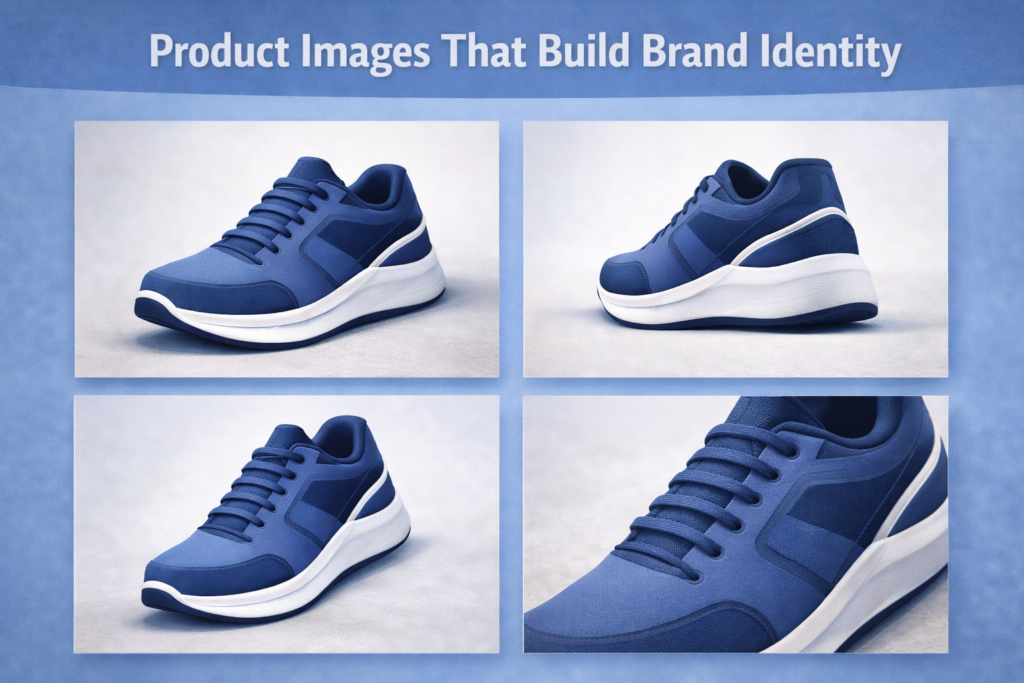
Your image style represents your brand.
Brand image elements include:
• Color palette
• Lighting style
• Background choice
• Font style
• Overall mood
Consistency builds recognition and loyalty.
19. Testing and Improving Your Product Images
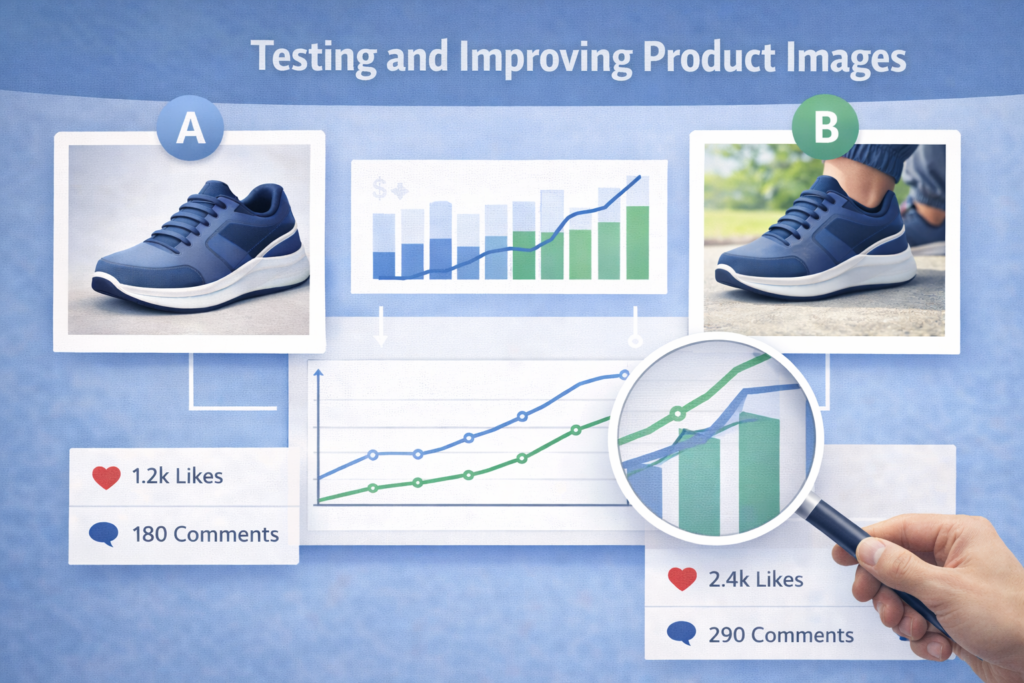
Never assume your images are perfect.
Ways to test include:
• Posting different versions
• Checking engagement
• Asking customer feedback
• Comparing sales results
Small improvements can lead to big growth.
20. Case Example of Image Improvement Impact
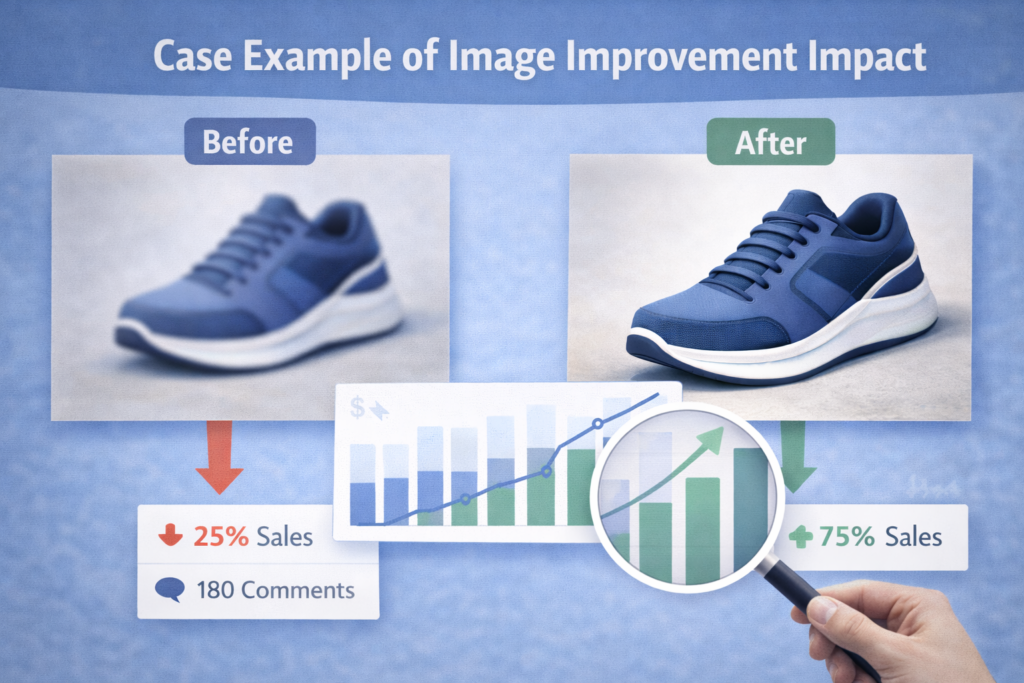
Many sellers see growth after improving images.
Example improvements include:
• Switching to natural light
• Adding lifestyle images
• Showing size clearly
• Cleaning backgrounds
Results often include:
• Higher engagement
• Better trust
• Increased sales
This shows how powerful engaging product images can be.
21. Storytelling Through Product Images
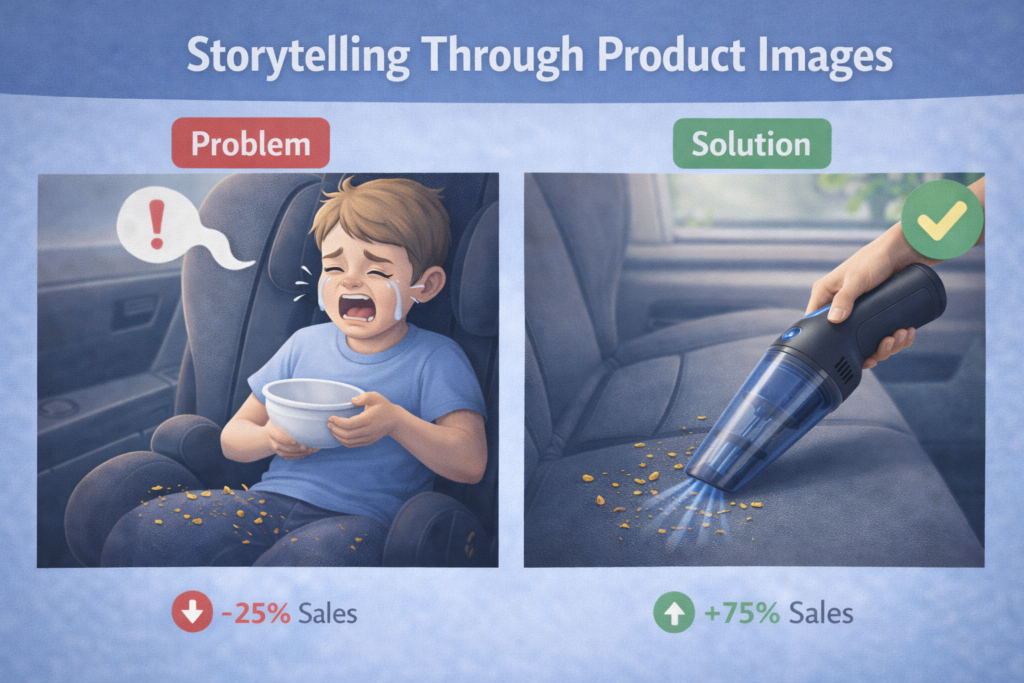
Product images should not only show what the product looks like. They should also tell a story. A good story helps customers connect emotionally with your product.
Storytelling images answer questions such as:
• Why does this product exist
• What problem does it solve
• How does it improve daily life
• Who is this product made for
For example, instead of showing only a power bank on a table, show a student charging a phone during a power outage. Instead of showing a kitchen tool alone, show a family using it while cooking.
Story based images increase trust and help customers imagine ownership.
22. Creating a Visual Flow That Guides the Buyer

When customers view your product images, they should follow a natural flow. Each image should answer one question and lead to the next.
A good image flow looks like this:
• First image: clear product overview
• Second image: key benefit
• Third image: how it works
• Fourth image: size and scale
• Fifth image: lifestyle use
• Sixth image: trust and quality
This flow reduces confusion and improves conversion.
23. Using Faces and Humans in Product Images

People connect more with images that include real humans. Faces create emotion and trust. Even a simple smile can increase engagement.
Best practices when using people:
• Use real people instead of stock photos when possible
• Show natural expressions
• Match the person to your target audience
• Show the product being used naturally
For example, beauty products perform better when real skin is shown. Fitness tools perform better when real movement is shown.
Human presence makes product images feel alive.
24. Color Psychology in Product Images
Colors affect buying decisions more than many people realize. Different colors trigger different emotions.
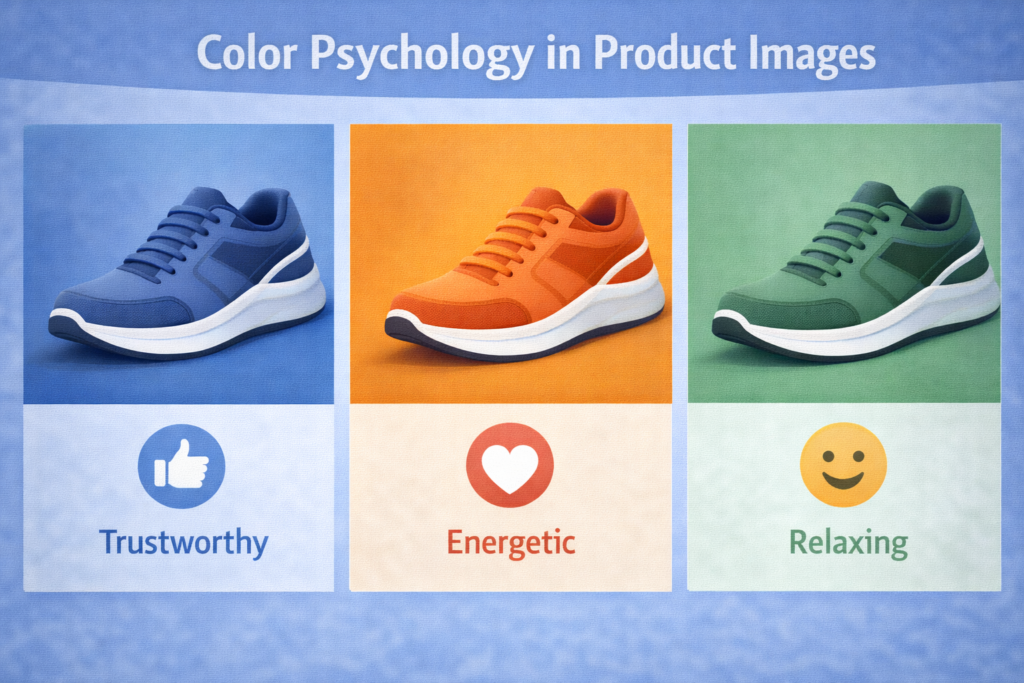
Common color meanings include:
• Blue: trust and calm
• Green: health and growth
• Red: urgency and action
• Yellow: happiness and energy
• Black: luxury and power
• White: cleanliness and simplicity
Choose colors that match your brand and product purpose. Do not mix too many colors. Keep the image clean and balanced.
25. Creating Images for Mobile Users First

Most online buyers use mobile phones. Your images must look good on small screens.
Mobile friendly image tips:
• Use clear focus on the product
• Avoid tiny text
• Use strong contrast
• Crop images properly
• Test images on your phone before posting
If your image looks good on mobile, it will perform well on desktop too.
26. Image Optimization for Faster Loading

Heavy images slow down websites and reduce sales. Image optimization is important for both user experience and SEO.
Steps to optimize images:
• Compress images without losing quality
• Use the correct image format
• Resize images to required dimensions
• Avoid uploading oversized images
Fast loading images improve ranking and customer satisfaction.
27. SEO Optimization for Product Images
Images can bring traffic from search engines when optimized properly.
Key SEO image elements include:
• Descriptive file names
• Clear alt text
• Relevant captions
• Proper image size
For example, instead of naming an image IMG123.jpg, use rechargeable-fan-for-home.jpg.
This helps search engines understand your images.
28. Product Images for Ads and Promotions

Advertising images must stop attention quickly. You only have a few seconds to impress.
Effective ad image tips:
• Focus on one main benefit
• Use bold but simple visuals
• Avoid clutter
• Use emotion
• Show results
Ad images should be simple, bold, and direct.
29. Product Images for Marketplaces
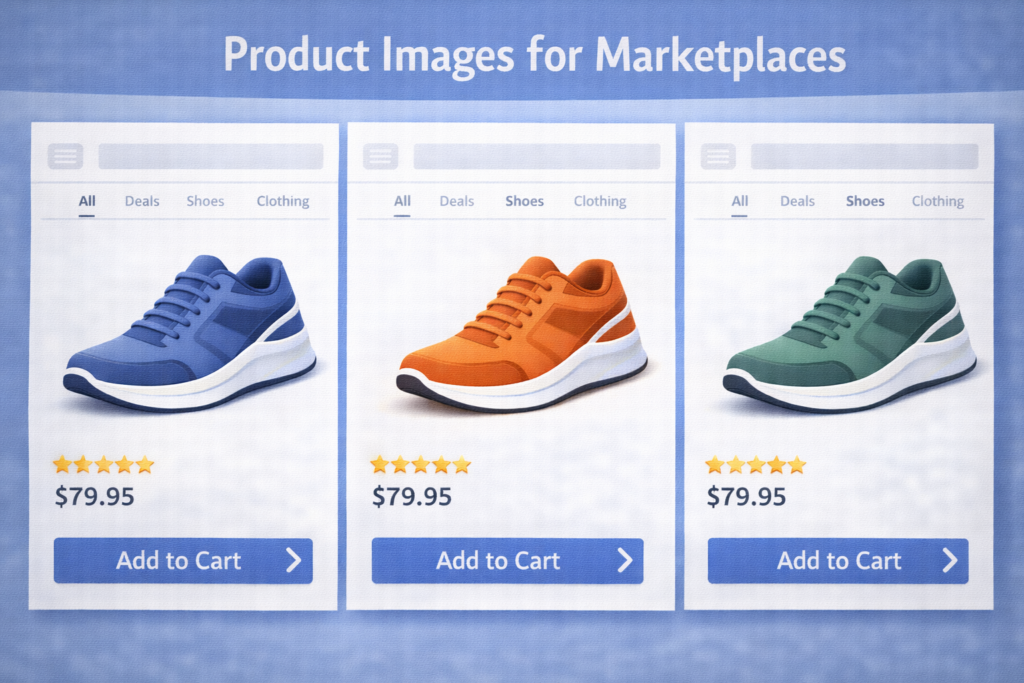
Marketplaces have strict rules. Your images must meet platform standards.
General marketplace image rules include:
• Plain background for main image
• No misleading visuals
• Clear product visibility
• Multiple angles
Always read the platform image guidelines before uploading.
30. Using Before and After Images Correctly
Before and after images are powerful but must be honest.

Correct use includes:
• Same lighting
• Same angle
• Same background
• Real results
Avoid exaggeration. Honest visuals build long term trust.
31. Creating Image Templates for Consistency
Templates save time and improve branding.
Benefits of templates:
• Faster content creation
• Consistent visual identity
• Professional look
• Easy scaling
You can create templates using tools like Canva and reuse them for all products.
32. Working With User Generated Images
User generated images are photos taken by customers. These images are very powerful.
Why they work:
• They feel real
• They build trust
• They show real use
• They act as social proof
You can encourage customers to send photos in exchange for discounts or features.
33. Managing Image Quality Across Multiple Platforms

Different platforms compress images differently. Always check how your images appear after upload.
Best practices:
• Upload high resolution images
• Preview images after posting
• Adjust size if quality drops
• Keep backups of original images
Consistency across platforms builds a strong brand.
34. Common Challenges When Creating Product Images
Every seller faces challenges. Knowing them helps you prepare.
Common challenges include:
• Poor lighting
• Limited space
• Low quality camera
• Time constraints
• Editing skills
Solutions:
• Use natural light
• Shoot near windows
• Use free editing tools
• Practice regularly
Improvement comes with consistency.
35. Professional Workflow for Product Image Creation
A simple workflow keeps things organized.
Recommended workflow:
• Plan the image type
• Prepare the product
• Set up lighting
• Take multiple shots
• Select best images
• Edit lightly
• Optimize for platform
Following a process improves quality and saves time.
36. Case Scenario: Image Improvement and Sales Growth
A small online seller selling kitchen tools had poor sales. The products were useful but images were dark and unclear.
After improvement:
• Used natural light
• Added lifestyle shots
• Showed size clearly
• Improved background
Result:
• More engagement
• Higher trust
• Increased sales
This shows the power of engaging product images.
37. Long Term Benefits of Investing in Product Images
Good images are assets. They work for you daily.
Long term benefits include:
• Higher conversion rates
• Strong brand identity
• Reduced customer questions
• Lower return rates
• Better SEO ranking
Images continue to sell even when you are offline.
38. Professional Guidance for Beginners
If you are just starting, remember this:
• Start simple
• Focus on clarity
• Be honest
• Learn from feedback
• Improve gradually
You do not need perfection. You need progress.
Final Summary
Creating engaging product images is one of the most important skills for online success. Product images influence trust, attention, and buying decisions more than words. When images are clear, well lit, honest, and emotionally appealing, customers feel confident to buy.
You learned how to create engaging product images using simple tools, proper lighting, clean backgrounds, correct angles, lifestyle shots, AI tools, SEO optimization, and storytelling techniques. You also learned how to avoid common mistakes, test image performance, and build a professional workflow.
With practice and consistency, anyone can create product images that attract attention and increase sales. Start with what you have, apply these principles, and improve step by step.
References
- Adobe Photography Learning Center at adobe dot com
- Amazon Seller Image Guidelines at amazon dot com
- Canva Design School at canva dot com
- Google Image SEO Guidelines at developers dot google dot com
- HubSpot Visual Marketing Resources at hubspot dot com
- Instagram Business Creative Tips at business dot instagram dot com
- Shopify Product Photography Guide at shopify dot com
- Unsplash Photography Learning Resources at unsplash dot com